An online store where products are easy to find, order and manage
We bring the catalogue, search, cart, orders and management into one e-commerce system. The store is convenient for customers and manageable for your team.
- A catalogue built for mobile devices
- The ability to manage orders
- Integration with CRM, Telegram or delivery services
Which businesses does an online store suit?
An online store is not just a product list. It is part of how an order is taken and processed inside the company. That is why it pays off where the product range has grown and handling orders by hand has become difficult.
Retail businesses with a large range
With hundreds of items, a catalogue, categories and filters become essential — otherwise buyers cannot find what they need.
Manufacturers and dealers
The model range, specifications and prices live in one catalogue; dealers and buyers work from the same source.
Appliances, furniture, cosmetics, clothing and B2B catalogues
Buyers need to see size, colour, specifications and price to compare — that does not fit into a caption under a photo.
Businesses organising Instagram and Telegram orders
An order in a chat is not recorded and gets lost. An order through the store gets its own number, status and history.
Companies wanting online and offline sales in one system
When stock and prices are kept in one place, what the shop shows and what the site shows no longer contradict each other.
From browsing a product to placing an order — a simple buying path
Every extra step loses some of the buyers. That is why this sequence is kept as short as possible.
01Catalogue
For the buyer
When categories are clear, the buyer does not have to work out where to start.
02Search and filters
For the buyer
Filtering by price, brand or specification helps find the right product quickly.
03Product page
For the buyer
Photos, specifications, price and availability on one screen — no questions left.
04Cart
For the buyer
Quantity and total can be checked and changed if needed.
05Checkout
For the buyer
A short form with clear delivery and payment options.
06Confirmation
For the buyer
An order number and a message about the next step — the buyer is not left waiting.
The core features selling requires
An online store has two sides: what the buyer sees and the admin panel your team works in. Both run on the same data.
Buyer side
- 1
Catalogue and categories
Products are grouped into sections and the category structure is built around your range.
- 2
Search and filters
Search by name, filtering by price and specifications. Filter complexity depends on the plan.
- 3
Product page
Images, description, technical specifications, price and availability status.
- 4
Cart and checkout
Changing quantities, seeing the total and placing the order.
- 5
Customer account
Order history and contact details. Included in every plan.
- 6
Payment and delivery options
Payment systems: 1-2 on Standard, 3-5 on Premium; delivery integration from Premium upwards.
Management side
- 1
Adding and editing products
You add a new item, photo and description without a developer. From Premium, bulk import and export are available too.
- 2
Managing prices and stock
Changing prices and marking a product as available or out of stock.
- 3
Order statuses
New, confirmed, in transit, completed — every order is tracked with its own status.
- 4
Customer base and enquiries
A list of customers who ordered and their purchase history. From the Premium plan upwards.
- 5
Discounts and promotions
A discount and promotion system is in every plan; group and complex discounts come with Enterprise.
- 6
Integrations
Email marketing from Premium; CRM, ERP and an API for a mobile app from the Enterprise plan.
Your online store does not stand alone — it connects to your sales process
These are the connections actually included in the plans. Which ones your project gets depends on the chosen plan and your needs.
Online store: CRM, Telegram, To'lov tizimlari, Yetkazib berish, Ombor / ERP, Google Analytics, Search Console, Email marketing
For example, when an order arrives the manager can get a Telegram message, or a new customer card can be created in the CRM.
How do we launch an online store?
Six stages. At each one it is clear in advance what you approve and what you are left with.
- 01
We study the products, sales model and order process
How many items there are, how prices are set, how orders arrive today and who processes them.
Stage outcomeThe sales model and order path recorded in writing.
- 02
We design the catalogue and category structure
We decide how products are grouped and which attributes become filters.
Stage outcomeA category tree and a list of filter fields — which you approve.
- 03
We prepare the buyer path and the design
Catalogue, product page, cart and checkout screens are drawn, with the mobile version handled separately.
Stage outcomeA design mockup — development does not start until it is approved.
- 04
We build it, the admin panel and the integrations
The store is developed, the admin panel configured and the agreed payment, delivery and CRM connections added.
Stage outcomeA working store and admin panel on a test address.
- 05
We test products, orders and mobile scenarios
A test order runs the whole path: cart, payment, notification and the record in the admin panel.
Stage outcomeA verified order flow and screens tested on a real device.
- 06
We launch the store and hand over the controls
The domain and hosting are connected, and we walk your team through adding products and handling orders.
Stage outcomeA launched store, a guide and the support period included in your plan.
What determines the price of an online store?
The three plans are a starting point. Each card shows the most important scope; the full list opens under “full scope”.
Standard
Basic online store
15,000,000 UZS
Who it suits
Businesses with up to 100 products that are just starting to sell online.
- Modern, professional design
- Responsive design (for all devices)
- Up to 100 products
- Product catalog
- Simple filtering system
- Cart and checkout
- Payment system integration (1-2)
Premium
Professional online store
20,000,000 UZS
Who it suits
Those needing up to 1000 items, complex filtering and delivery integration.
- Everything in the Standard plan
- Up to 1,000 products
- Extended product catalog
- Advanced filtering system
- Customer account area
- Order history
- Discounts and promotions system
Enterprise
Enterprise online store
25,000,000 UZS
Who it suits
Companies with an unlimited catalogue, wholesale pricing and CRM or ERP integration.
- Everything in the Premium plan
- Unlimited products
- Custom design and functionality
- Complex catalog structure
- Wholesale and retail pricing
- Customer groups
- Advanced discount system
What changes the final price
- Number of products and categories
- Complexity of filters, search and catalogue structure
- Number of payment and delivery integrations
- Connection to a CRM, ERP or warehouse system
- Number of language versions
- Linking to a marketplace or a mobile app
- Custom features in the admin panel
A plan price is the lower bound. Once the catalogue size and integrations are clear we send a quote with a breakdown of the scope.
Online stores and sales systems we have built
Below are projects that went live. Each card opens the project page describing the task, the work delivered and the technologies used.
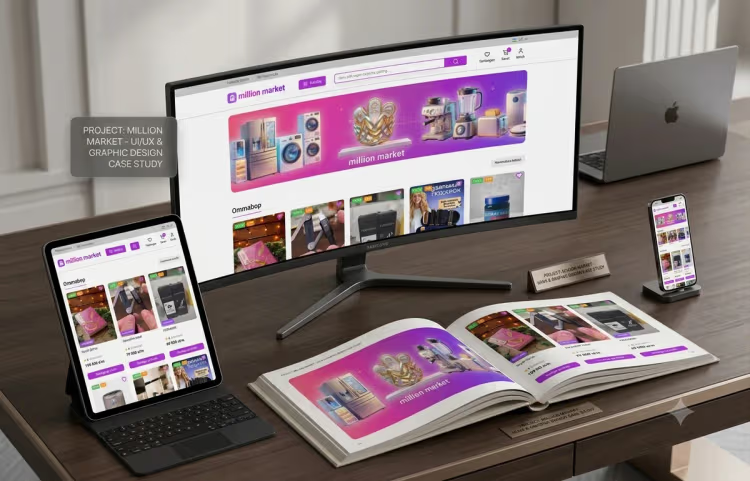
Million Market
- Client type
- Home appliance and electronics retail
- Task
- Organise a large range so buyers can find what they need and simplify the path to an order.
- What we built
- UI/UX design for the category structure, product page and order process, plus the online store.
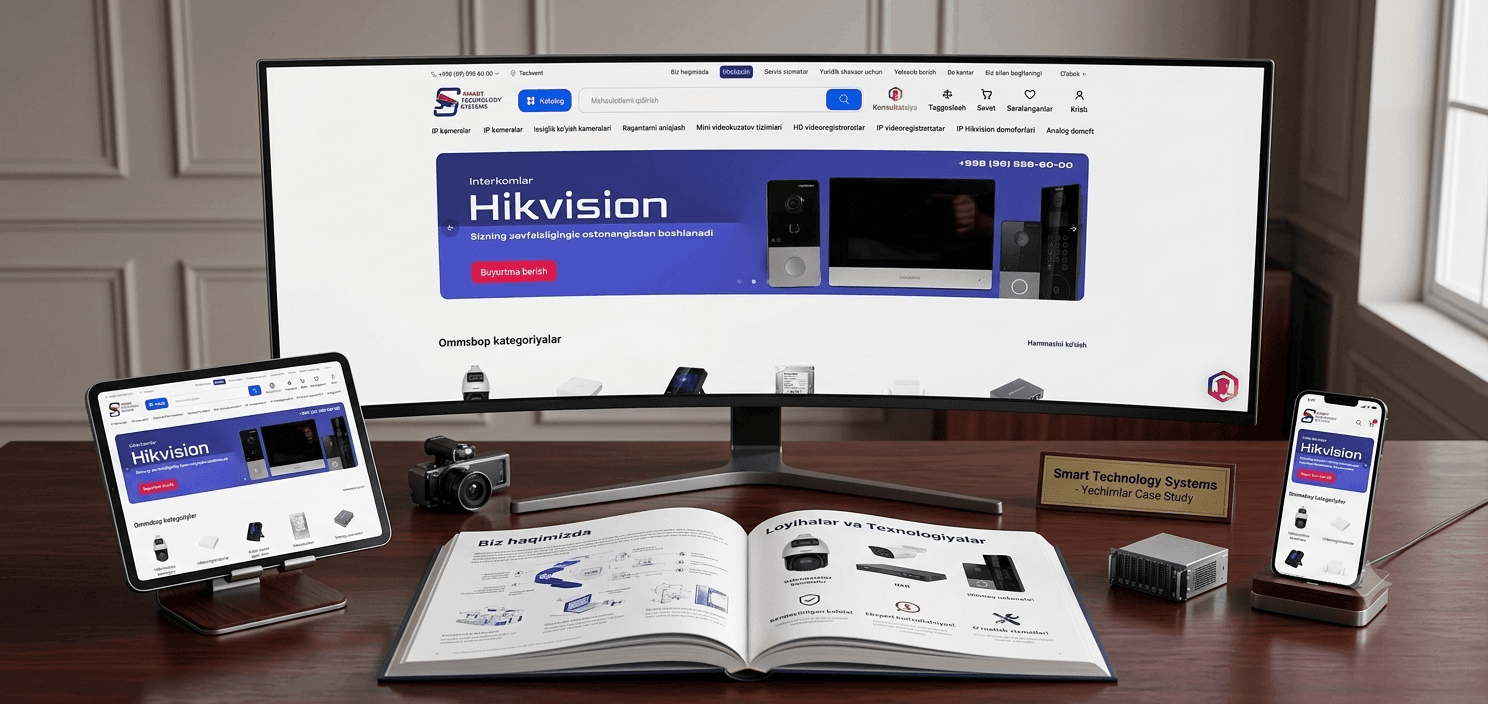
STS Market
- Client type
- Video surveillance and power safety products
- Task
- Present products with many technical specifications clearly in a catalogue.
- What we built
- An online store with a catalogue organised by specification and dedicated product pages.
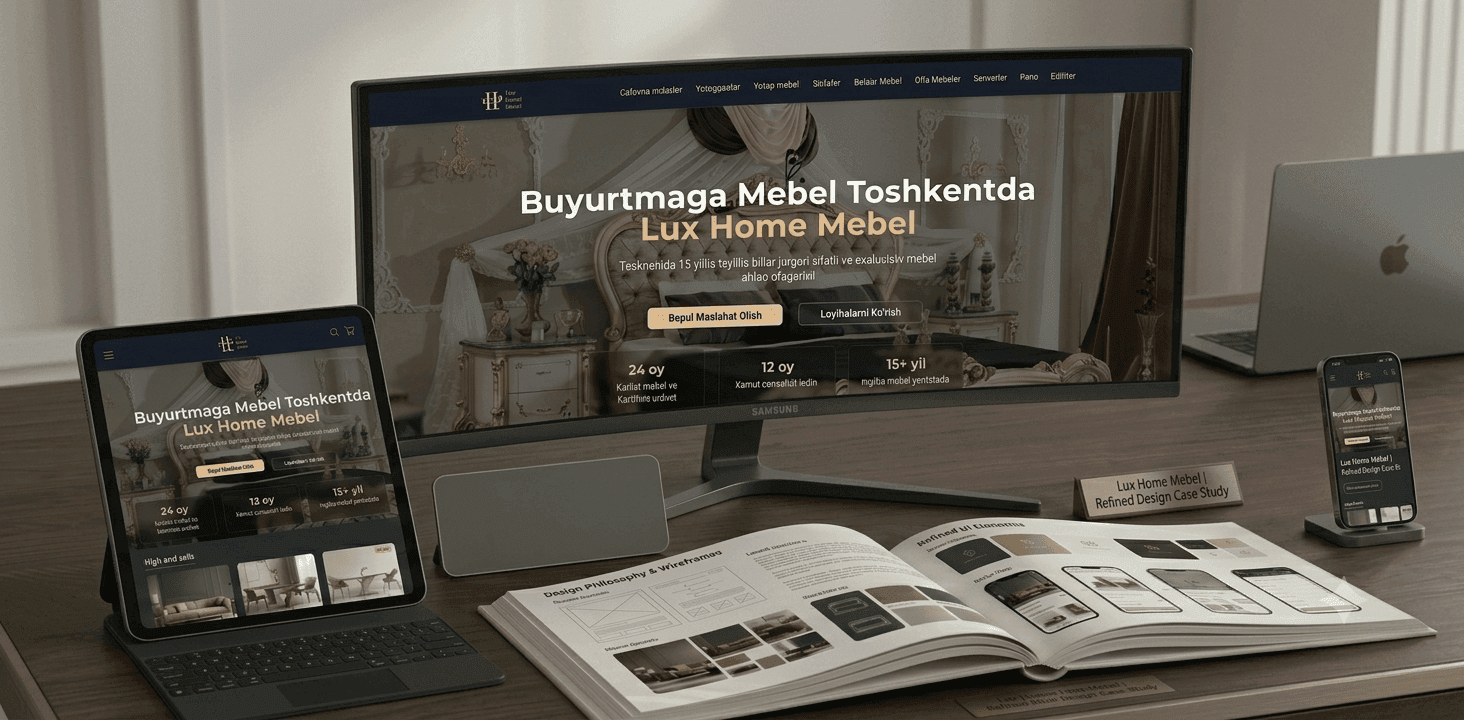
Lux Home Mebel
- Client type
- Made-to-order furniture manufacturing
- Task
- Show made-to-order furniture rather than stock items in a catalogue and collect enquiries.
- What we built
- A site with a product catalogue and an order enquiry form.
Questions about building an online store
Answers to the questions asked most often before a project starts.
The Standard plan starts from 15M UZS, Premium from 20M UZS and Enterprise from 25M UZS. The final figure depends on the number of products, filter complexity, payment and delivery integrations and whether a CRM or ERP is connected — once the scope is clear we send a detailed quote.
Services for growing your online store
Directions added after the store goes live, once the need appears.
CRM Systems
When you need it
When orders and customers need tracking by stage and you want visibility over your sales team.
Telegram Bot
When you need it
When most customer conversation happens on Telegram and orders are easier to take there too.
SEO Optimization
When you need it
When you want to grow search traffic to your catalogue pages systematically.
Google Ads
When you need it
When you need to bring buyers to a new product or promotion quickly.
Mobile Apps
When you need it
When regular customers need an app — the Enterprise plan includes an API for a mobile app.
Corporate Websites
When you need it
When you need full company information and a B2B direction beyond the store itself.
Worth Reading on This Topic
Before making a decision, these articles may answer your questions.
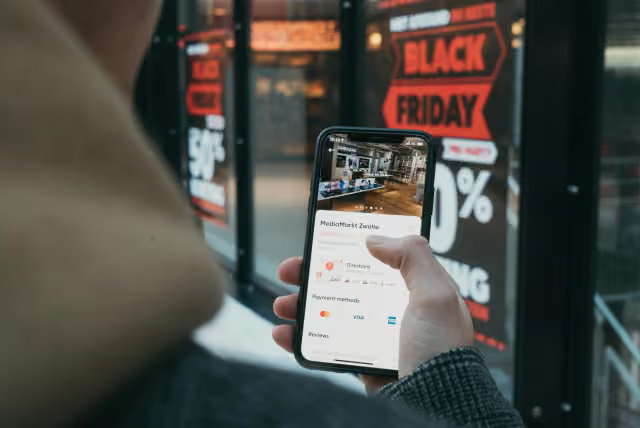
Opening an online store: how to start selling online for your business
An online store is more than putting products on a website — it becomes a sales channel when the catalog, cart, payments, delivery and admin panel work together. Here is what to prepare, which features you need and where to start selling online.

Which technology should you choose for a website?
No-code builders, WordPress or modern frameworks (Next.js, React) — which one to pick depends directly on your business goal. Here are the strengths and weaknesses of each.
Let's turn online selling into an organised system
We review your products, order process, integrations and management needs. Then we prepare an online store proposal that fits.