We build mobile apps that work well for your customers and your team
We build apps for iOS and Android around your processes: orders, services, logistics, learning or internal workflows. The app can be connected to a CRM, an admin panel and the systems you already run.
When is a mobile app a better fit than a website?
A mobile app is not always the right call — in many cases a mobile-friendly website delivers faster and cheaper. An app wins where users come back regularly and the phone's own capabilities are needed.
01
Customers come back often
Users rely on your service or product on a regular basis.
An app gives fast access and a convenient personal experience.
02
Push messages are needed
Order status, a promotion or important news has to reach the user on time.
Push notifications help bring the user back into the app.
03
The ordering process repeats
Choosing a product, ordering, paying or booking happens again and again.
An app shortens that process with saved details and a convenient interface.
04
Staff work on the move
Sales, logistics, service or field teams are not always at a computer.
Staff can work with tasks, statuses and reports from a phone.
05
Phone capabilities are required
Camera, geolocation, QR codes or offline mode matter in the business process.
An app connects the phone's capabilities to the workflow.
06
A website is no longer enough
Users rely on a persistent login, quick actions or an account area regularly.
For a frequently repeated user path an app can simply be more convenient.
Which one do you actually need?
A website is enough
- Customers look you up once or twice a year
- The goal is to inform and collect enquiries
- Search traffic matters
- The budget is limited and you need a fast launch
You need an app
- Users come back regularly
- Push notifications are part of the process
- Camera, geolocation or offline mode is required
- Staff work from a phone
The two do not exclude each other: many projects launch the website first and add the app once the flow of users has settled.
Choose the mobile app type for your business
Four main directions. In many projects they overlap — a customer app can also include delivery tracking, for example.
Customer app
Catalogue, ordering, profile and notifications. The customer uses the service from their phone regularly.
Staff app
Tasks, reports, shifts and internal communication. For teams that are not at a desk.
Logistics app
Orders, routes, status and real-time tracking. For delivery and freight.
Platform or marketplace
Several user roles exchanging orders or services between them.
A mobile app works for the user and the business at the same time
An app has two sides: what the user sees and the panel that runs it. Both work on the same data.
For the user
Sign-up and login
By phone number or email. Included in all three plans.
Profile
Personal details and order history. The account area comes with the Premium plan upwards.
Catalogue or services
A list of products or services, search and a detail screen.
Ordering
The path from selection to confirmation. Payment systems connect from the Premium plan.
Push notifications
Order status, news or a reminder. Included in all three plans.
Support
Sending an enquiry from inside the app or switching to a contact channel.
For the business
Admin panel
The app management panel comes with the Premium plan; the extended version with Enterprise.
Managing users
The list, status and, where needed, separation by role.
Content and products
Changing the catalogue, prices and descriptions without a developer.
Orders and statuses
New, accepted, in transit, completed — each with its own status.
Analytics and reports
Basic analytics in every plan, extended analytics in Premium and Enterprise.
CRM and API integration
Backend API in all three plans; integration with corporate systems in the Enterprise plan.
The mobile app works with the business systems you already run
These are the connections actually included in the plans. Which ones your project gets depends on the chosen plan and your needs.
Mobile app: CRM, ERP / Ombor, Admin panel, Telegram, To'lov tizimlari, Google Maps, REST API, Analitika
For example, an order from the app appears in the admin panel, lands in the CRM as a record and triggers a push notification to the customer.
A technical foundation for a fast launch and later growth
Choosing technology is not a matter of taste. Below is the business problem each one solves.
One codebase — two platforms
React Native allows an app for iOS and Android to be built from a single codebase, which can simplify launching and developing it further. A separate team per platform is not required.
A backend ready to extend
A Node.js and NestJS backend is split into modules: adding a screen or feature does not mean rewriting the app.
Data kept in order
PostgreSQL or MongoDB, chosen to fit the task. As users and orders grow, the app does not slow down.
Push notifications and analytics
Sending messages and tracking user behaviour are included in all three plans — the next version is based on numbers rather than guesswork.
The stack used across projects
From idea to a product on the App Store and Google Play
Six stages. At each one it is clear in advance what you approve and what you are left with.
- 01
We define the requirements and user flow
Who the app is for, which task it serves and which screens the user moves through.
Stage outcomeA screen list and a user flow diagram — which you approve.
- 02
We prepare the UX/UI prototype
The main screens and transitions are drawn, following the conventions of iOS and Android.
Stage outcomeA clickable prototype — before development starts.
- 03
We build the app and the backend
Screens are developed, the backend API written and the database configured.
Stage outcomeA test build — you install it on a test device yourself.
- 04
We connect the admin panel and integrations
The management panel is configured and the agreed CRM, payment and notification channels are connected.
Stage outcomeA working admin panel and connected integrations.
- 05
We test on devices
The app is checked across screen sizes and OS versions and issues are fixed.
Stage outcomeA build verified on real devices and ready for release.
- 06
We launch and agree the roadmap
The app is published on the App Store and Google Play — this work is included in all three plans. Then we plan the next version.
Stage outcomeA published app and a list of tasks for the next stage.
Store account fees (Apple Developer and Google Play Console) remain the client's responsibility — they are not part of the plan price.
What determines the price of a mobile app?
The three plans are a starting point. Each card shows the most important scope; the full list opens under “full scope”.
Standard
Basic mobile app
20,000,000 UZS
Who it suits
Businesses starting on one platform (Android or iOS) with 5-7 screens.
- Android or iOS platform
- Modern UI/UX design
- 5-7 core screens
- User registration
- Push notifications
- Backend API integration
- Basic analytics
Premium
Professional mobile app
30,000,000 UZS
Who it suits
Those who need both platforms, a user account area, offline mode and payments.
- Android and iOS platforms
- Premium UI/UX design
- 10-15 screens
- User registration
- User account area
- Push notifications
- Offline mode
Enterprise
Enterprise mobile app
40,000,000+ UZS
Who it suits
Companies with complex business logic, corporate systems and biometric sign-in.
- Everything in the Premium plan
- Unlimited screens
- Custom design and functionality
- Complex business logic
- Enterprise system integration
- High level of security
- Biometric authentication
What changes the final price
- iOS, Android or both platforms
- User flows and number of screens
- Admin panel capabilities
- CRM, ERP and API integrations
- Geolocation and maps
- Push notification scenarios
- Payment systems
- Offline mode
- User roles and permissions
- Preparation for App Store and Google Play release
A plan price is the lower bound. Once the screens and integrations are clear we send a quote with a breakdown of the scope.
Mobile apps we have built
Below are our projects in mobile app format. Each card opens the project page describing the task, the work delivered and the technologies used.
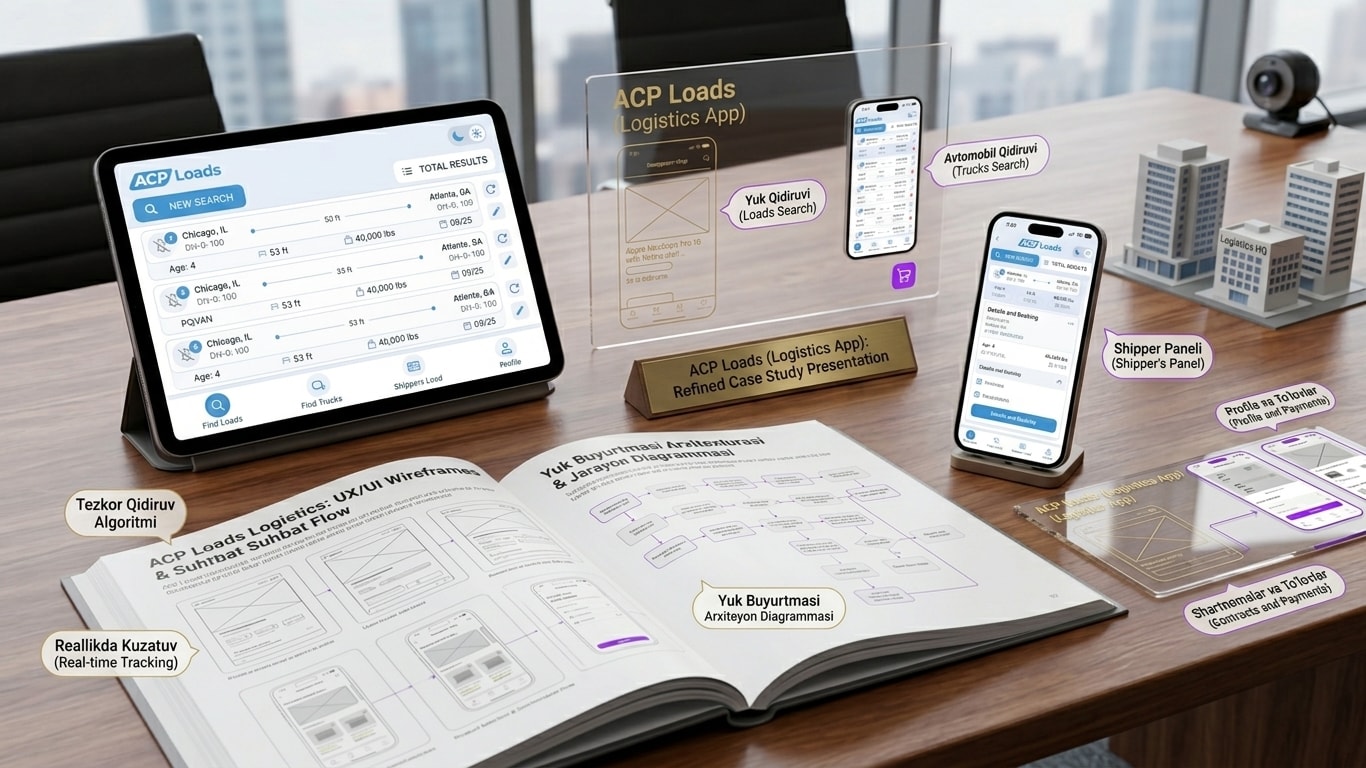
ACP Loads
- Business sector
- Freight and logistics
- User task
- Finding cargo and vehicles and tracking routes — all on the road, from a phone.
- What we built
- A mobile app with cargo and vehicle search, real-time tracking and a carrier panel.
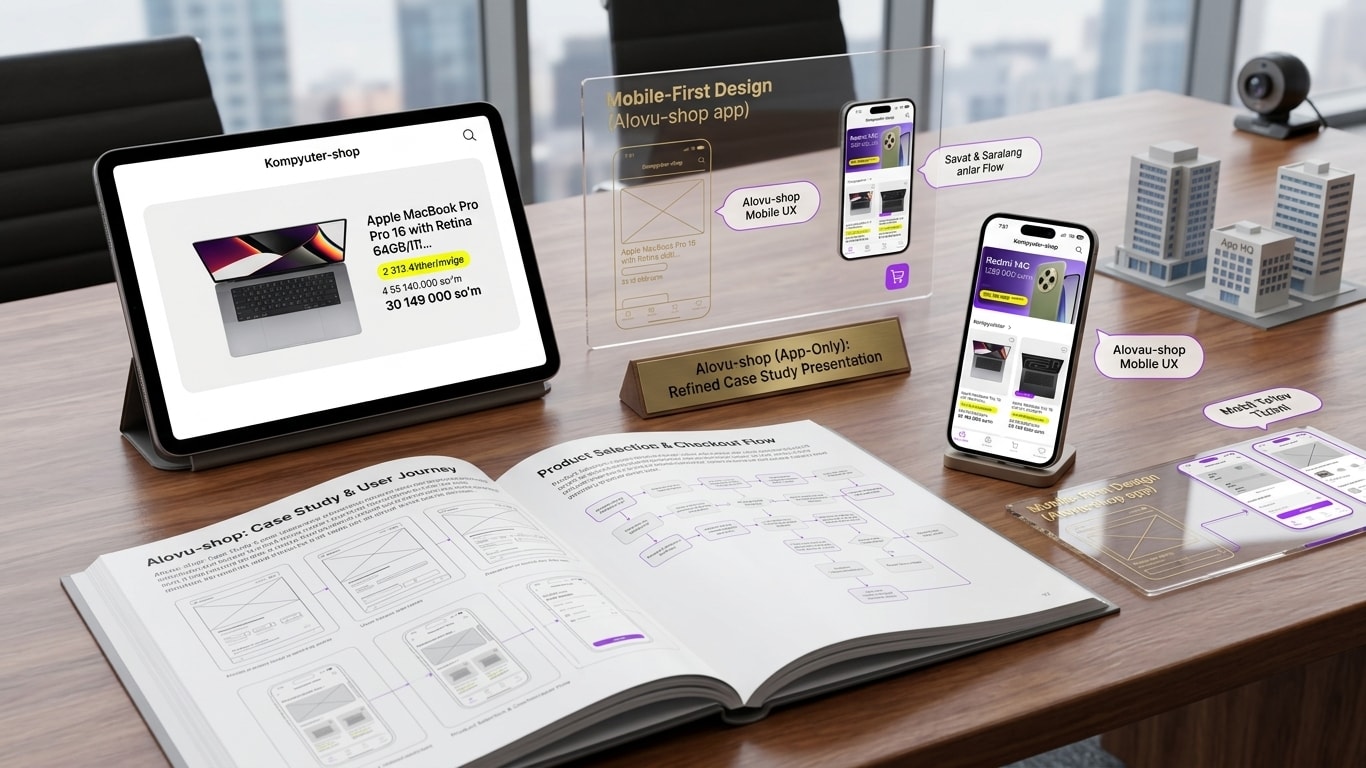
Kompyuter-shop
- Business sector
- Computer and electronics retail
- User task
- Choosing a product and completing the purchase entirely from a phone.
- What we built
- A mobile app with straightforward product selection and a purchase flow.
Questions about mobile app development
Answers to the questions asked most often before a project starts.
The Standard plan starts from 20M UZS, Premium from 30M UZS and Enterprise from 40M UZS. The final figure depends on the number of platforms, screens, the admin panel, integrations and extra capabilities — once the scope is clear we send a detailed quote.
Services you may need alongside a mobile app
An app rarely works alone — it is usually one link in a system. These are ordered alongside it most often.
CRM Systems
When you need it
When orders and customers from the app need tracking by stage.
Online Stores
When you need it
When you need full online selling on the website too — with a catalogue and cart.
Telegram Bot
When you need it
When most conversation with your audience happens on Telegram and orders are easier to take there.
AI Integration
When you need it
When the app has to connect to 1C, a warehouse or another existing system.
For Startups
When you need it
When the idea is not validated yet — starting with an MVP costs less.
AI Agent
When you need it
When user questions start repeating and an automatic answer is needed.
Let's turn your mobile app idea into a concrete project plan
In a short conversation we define the users, the core features, the integrations and the scope of the first version. Then we prepare a technical and commercial proposal.